Private messages. Just between you.
AltNet Relay is a private messenger for your computer. Message friends, run your team, talk on video — personal and business, with one account. No phone number needed.
Your message is locked on your computer before it is sent. Only the person you wrote to has the key to open it. Nobody in between can read it. Not even us.
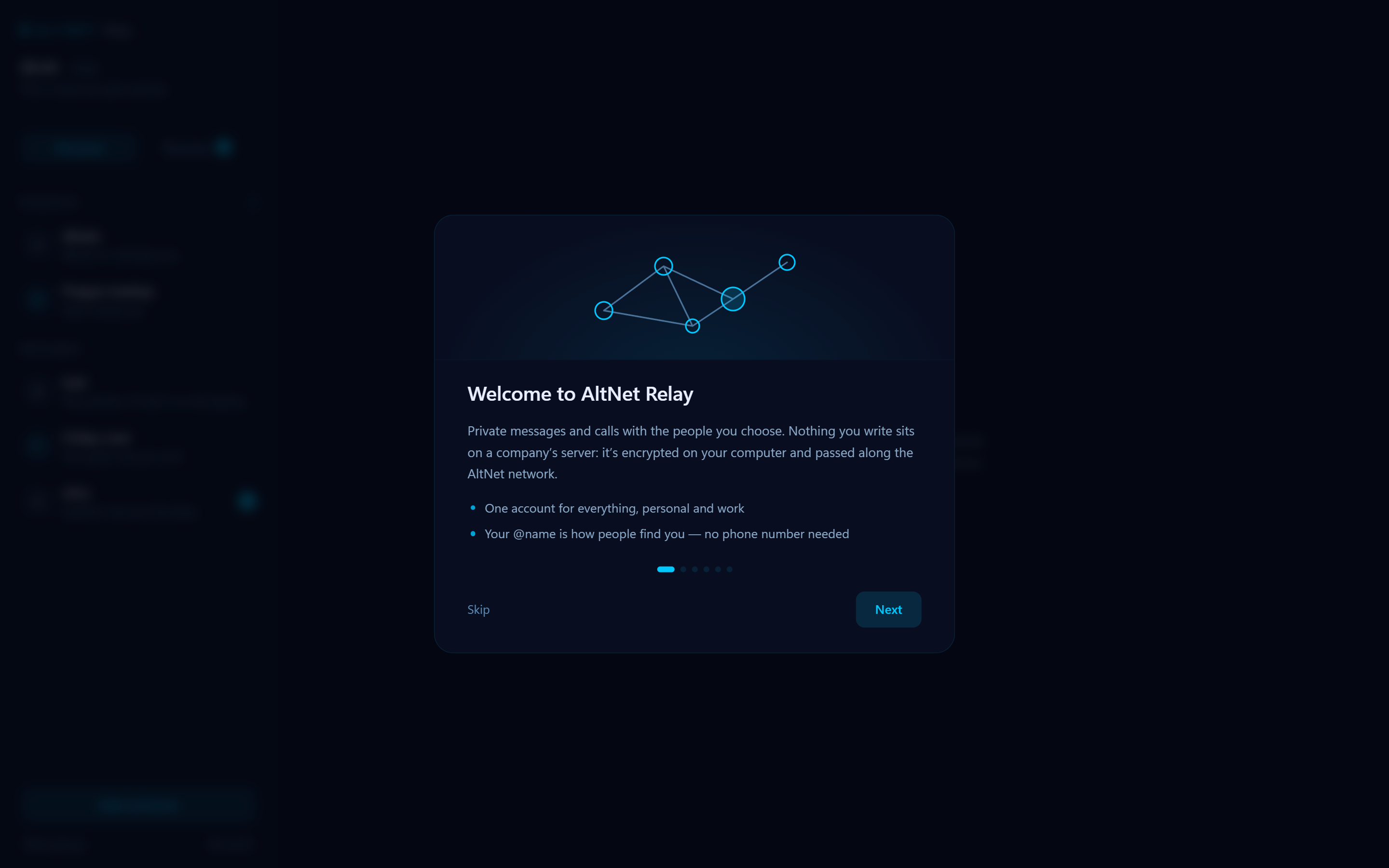
Messages travel across the AltNet network, a web of computers. Your conversations stay with the people in them. The only copy we keep is the one that lets you sign in on another computer — locked with your password, so we can’t open it.
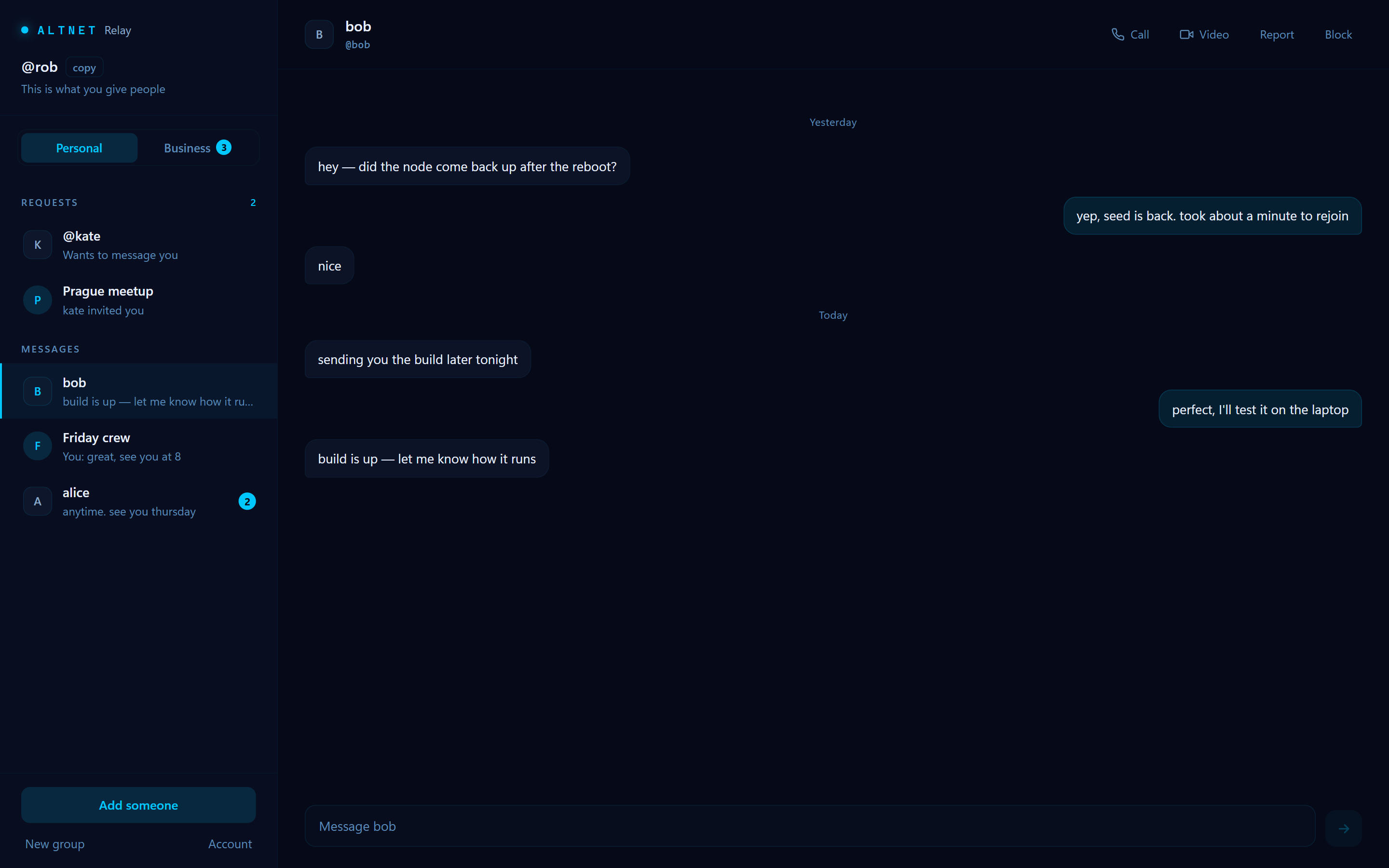
How it works, in detail →Pick a name, like @rob. That’s how people find you. You sign up with just an email, and the account is free.
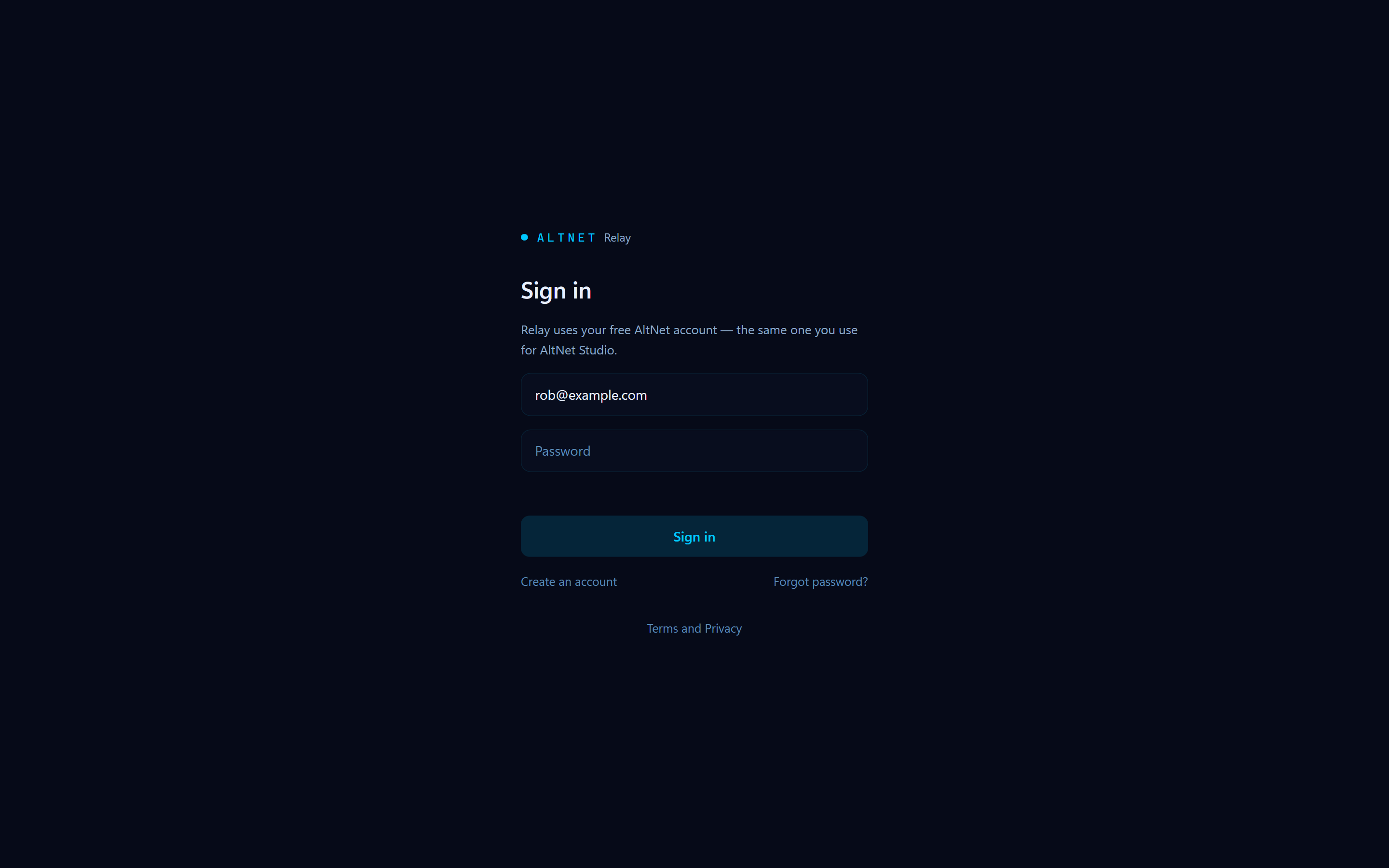
It’s the same account you use for AltNet Studio.
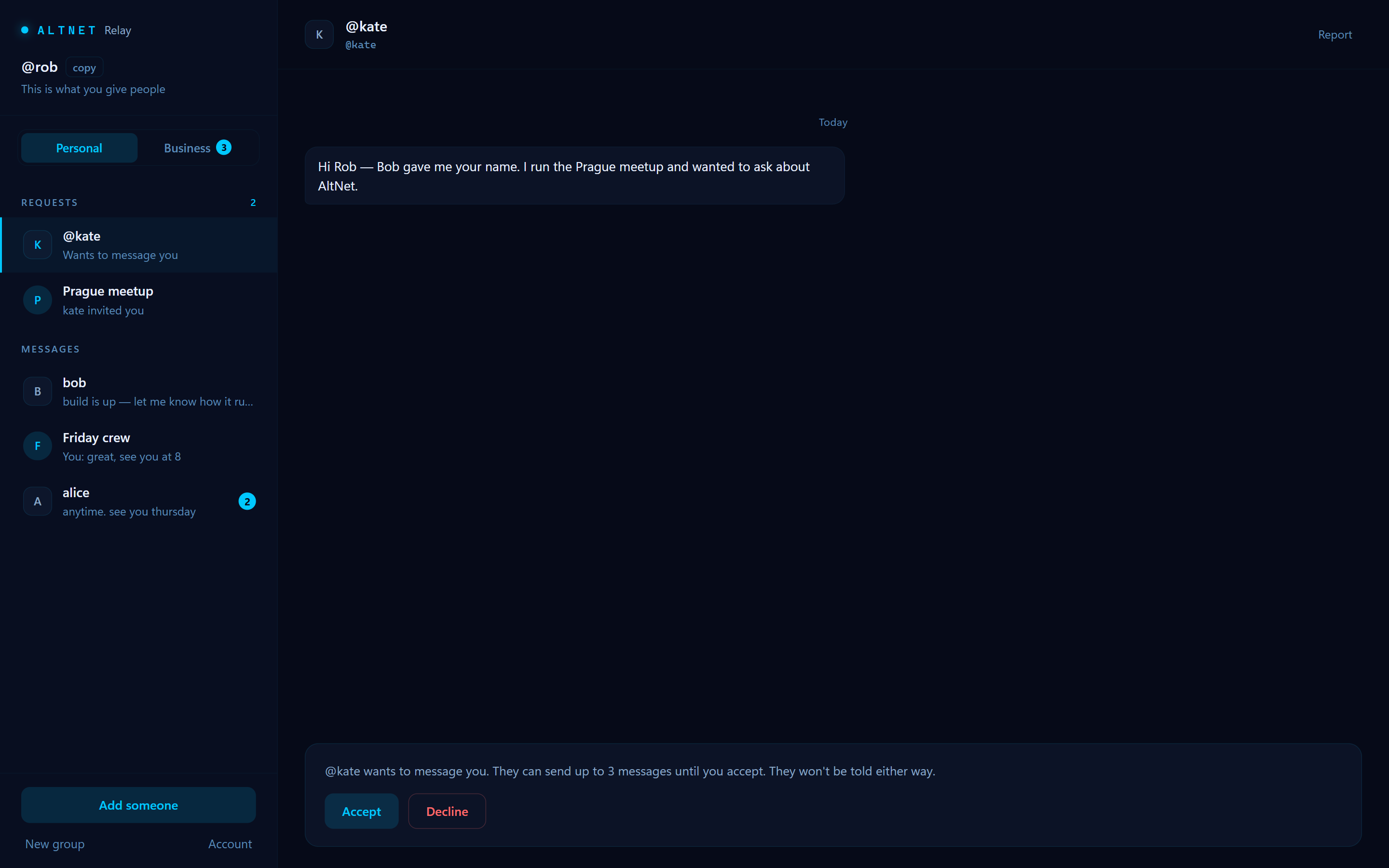
Someone you don’t know can send at most 3 messages as a request. Nothing more gets through until you accept. Calls only ring from people you’ve accepted.
You see who it is and what they wrote. Accept and you can talk. Decline and that’s the end of it.
You can block or report anyone. They aren’t told. When three different people report the same account, it’s banned automatically. A ban can be appealed by email.
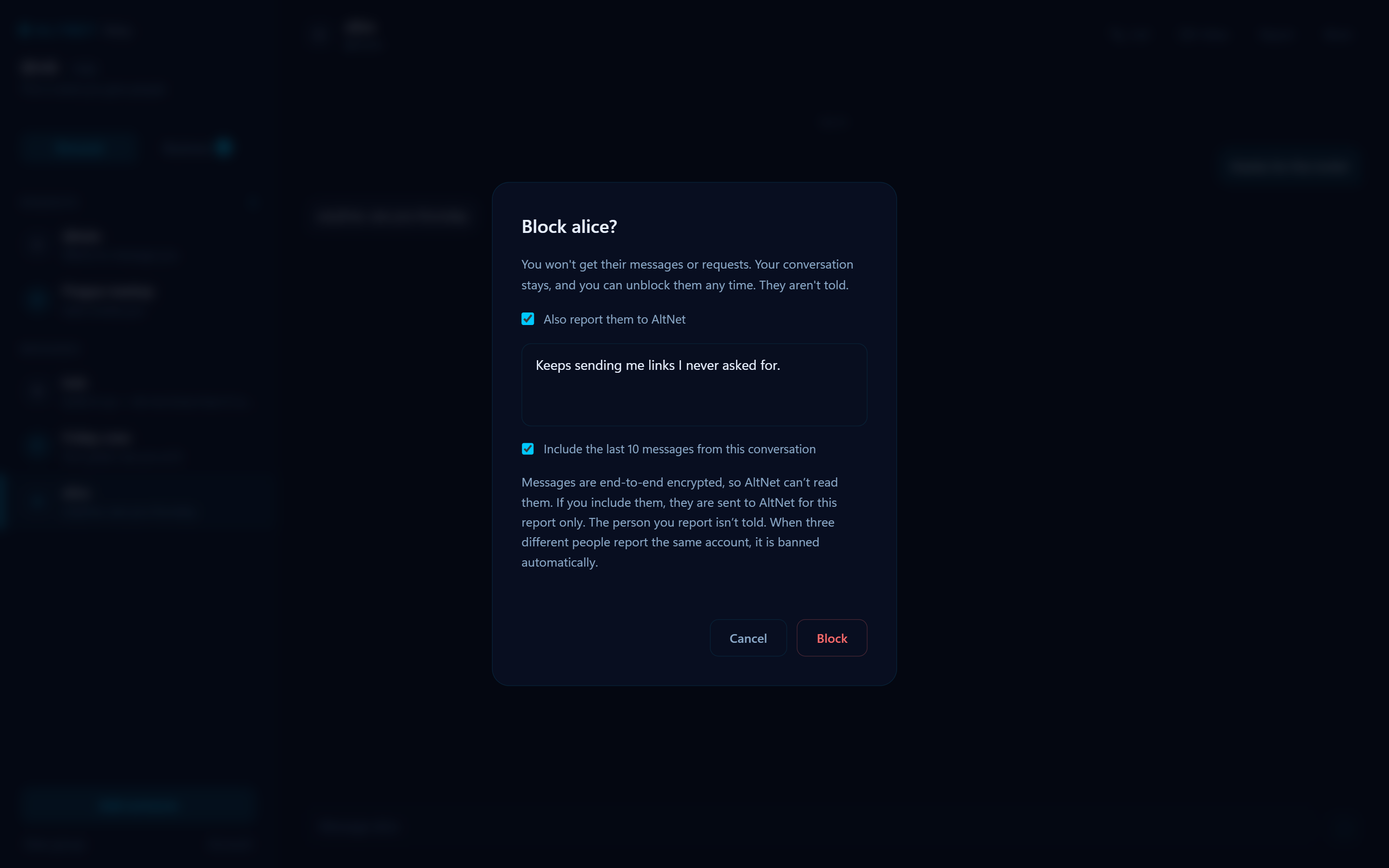
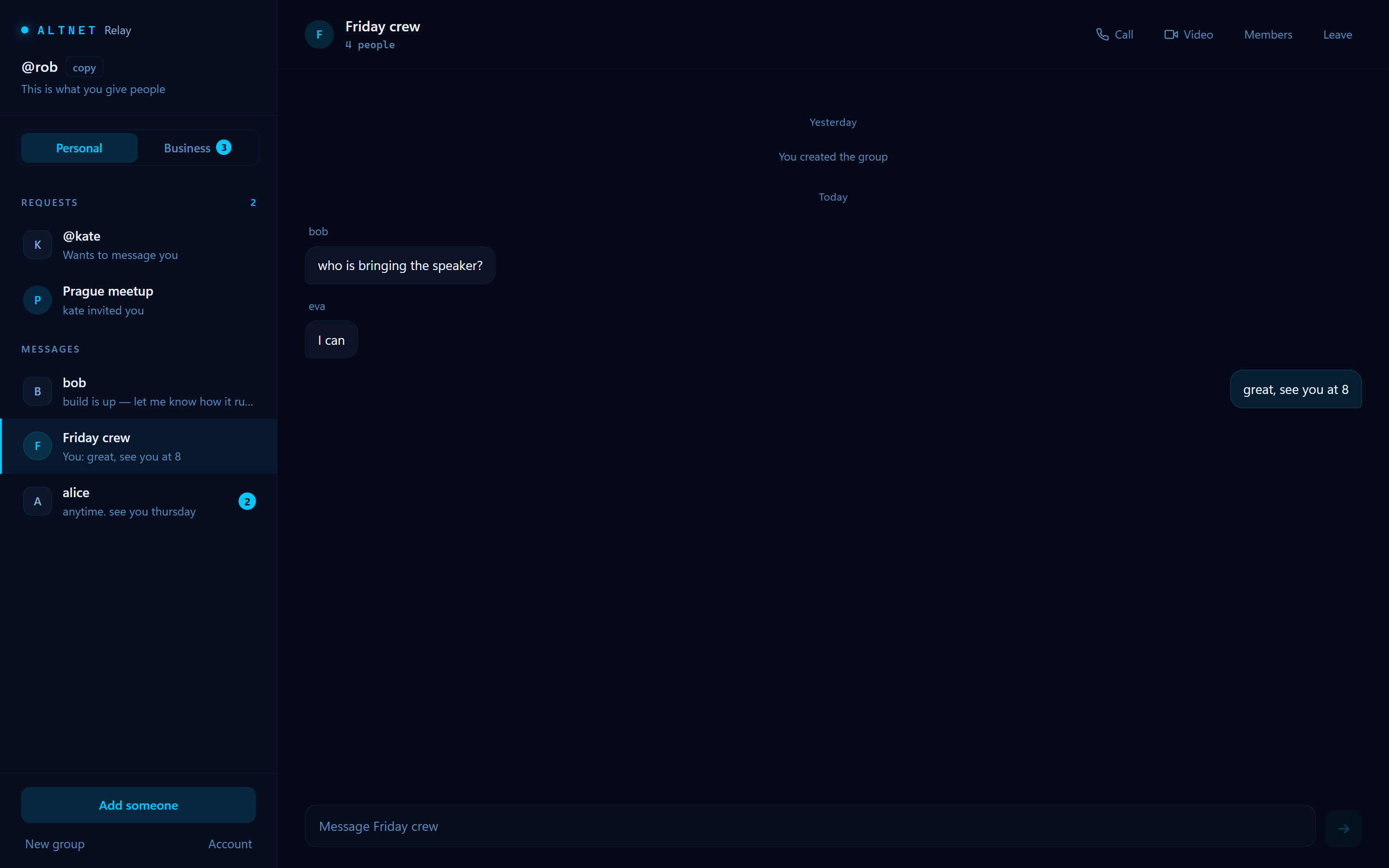
For friends, family and your people. Chat one to one, or make a group.
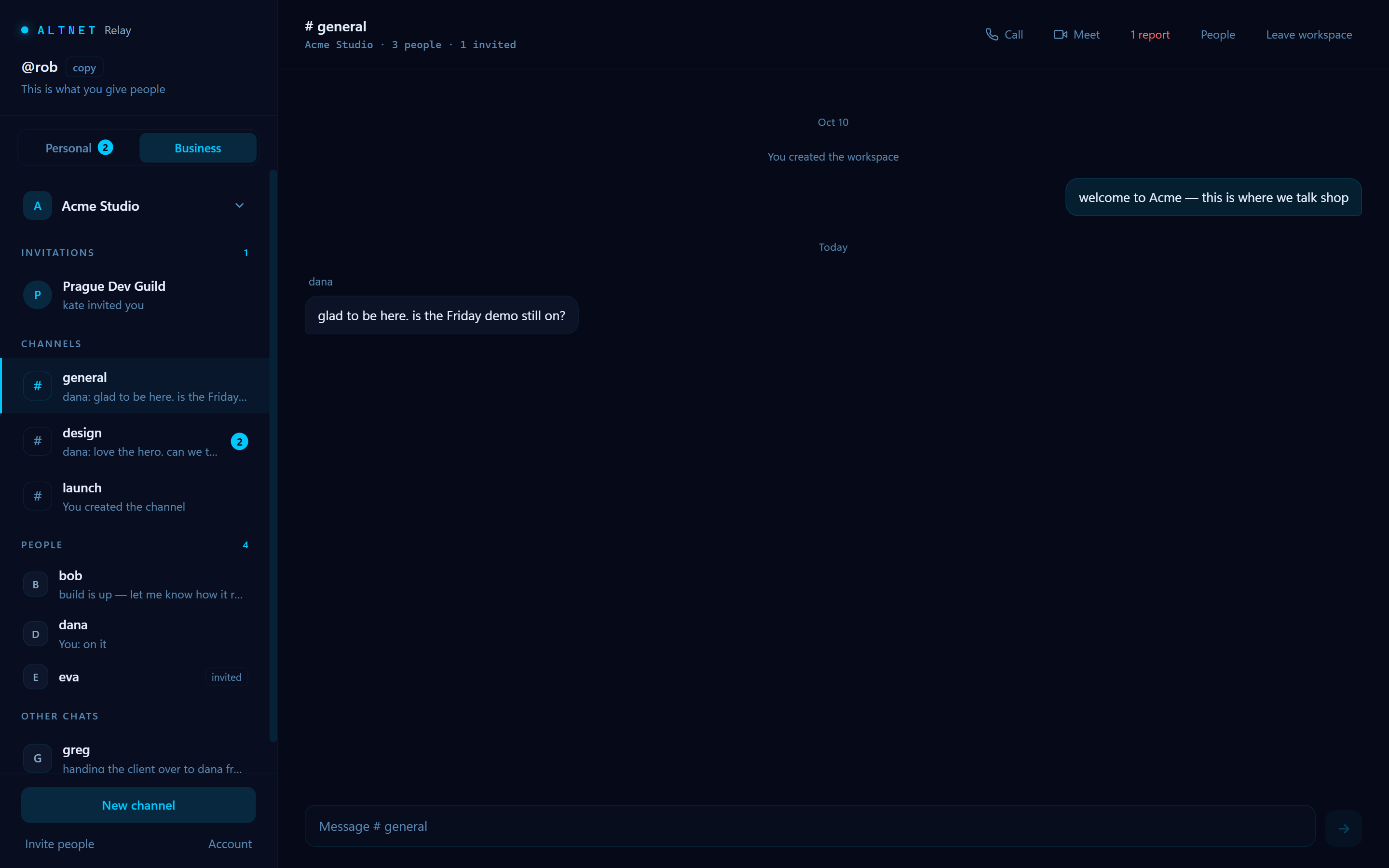
For a company or a team. Same account, kept separate from your personal chats.
Like #design or #launch: a place for one topic, for the people who need it.
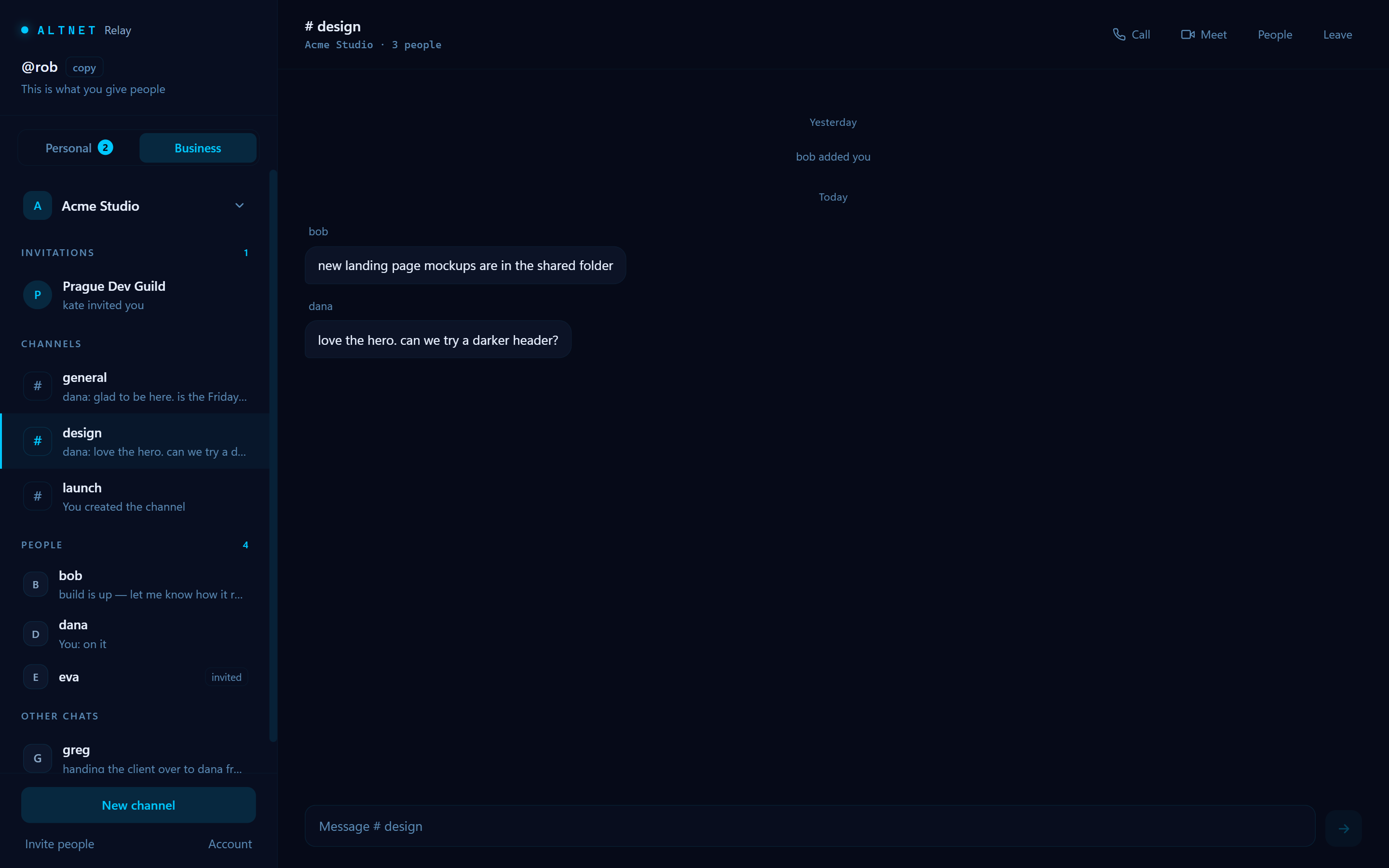
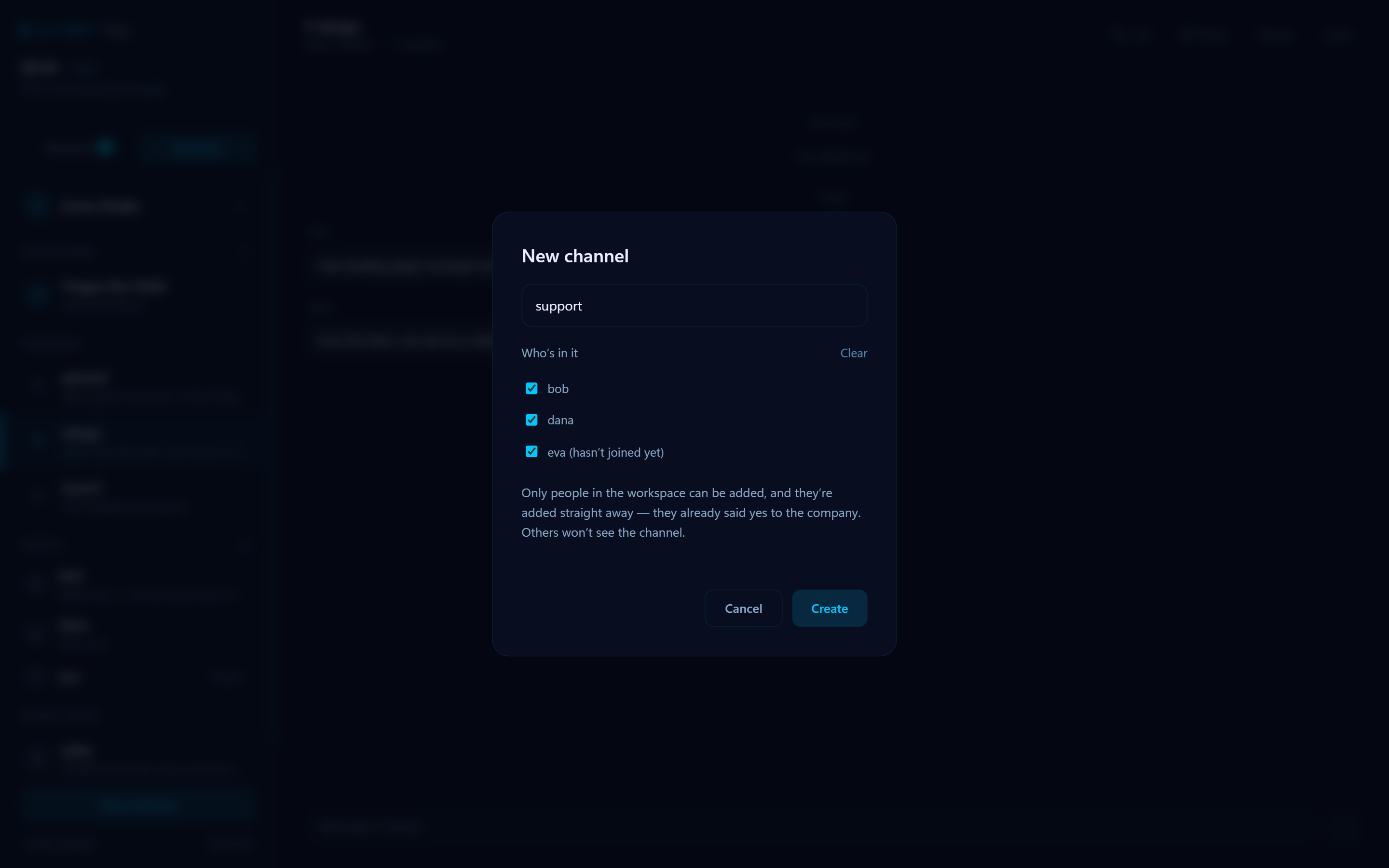
Make a channel and pick its members. Nobody else sees it.
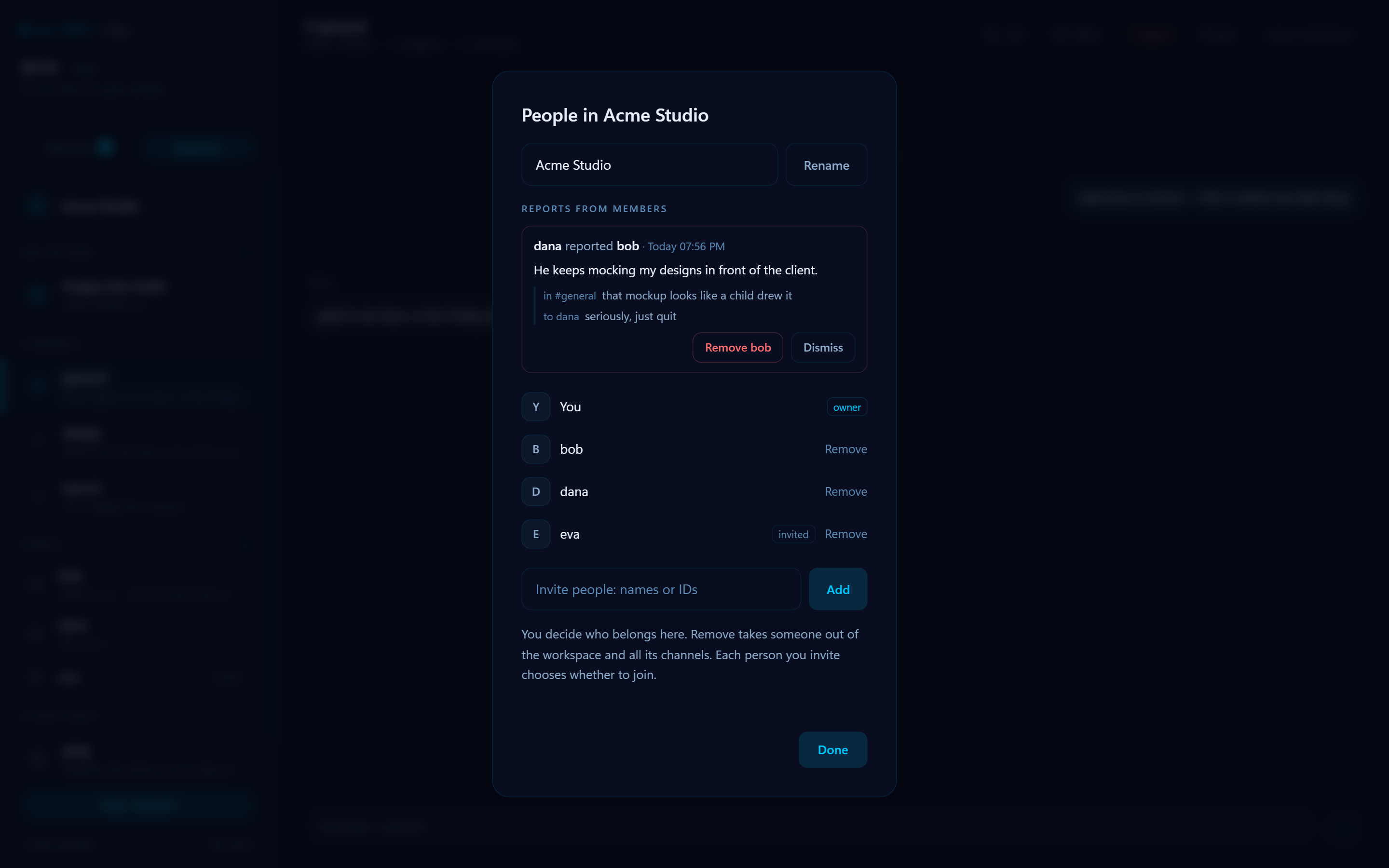
At work, a report about a coworker goes to the person who runs the workspace, and we can’t read it.
Voice and video calls, one to one or in a group. Your camera is only on when you turn it on. Only people you’ve accepted can ring you. In Business, video meetings take up to 8 people.
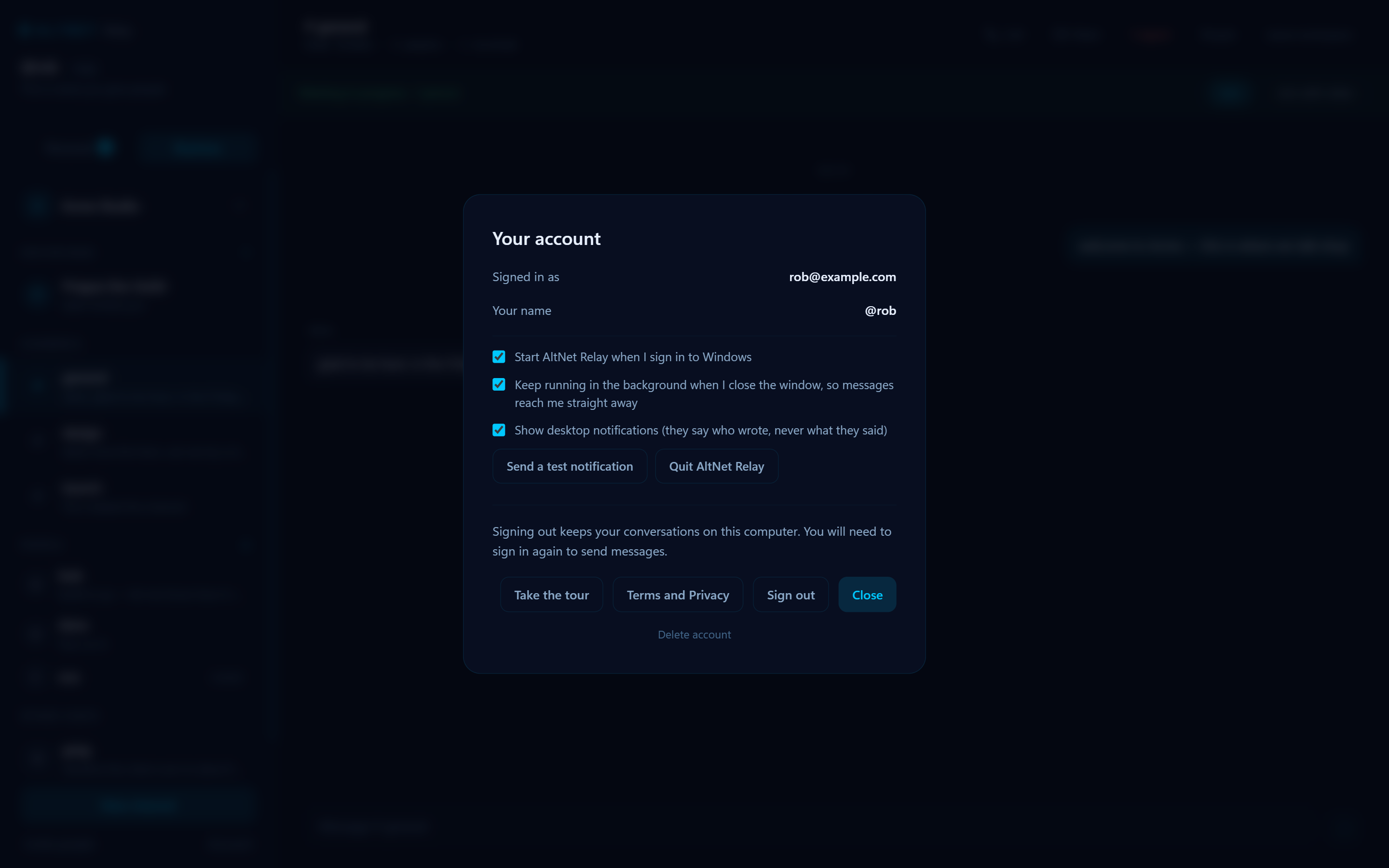
AltNet Relay starts with your computer and keeps running quietly in the background, so messages arrive straight away.
Notifications tell you who wrote — never what they wrote.
For your computer. No phone app yet.
Want to hear when it’s out?
One email when something ships. Nothing else.
Yes. The account is free, and there are no ads.
No. You sign up with an email and choose a name, like @rob. People find you by that name.
No. Your messages are locked on your computer before they leave, and only the person you write to can open them. We can’t read them either.
Just sign in on another computer. Your account, @name and conversations come with you, from a copy locked with your password that we can’t open. If you turned that copy off in Account, you can start fresh there with the same @name.
Not yet. AltNet Relay is for computers: Windows and Linux from Friday 16 October, and Mac later in October.
The installer isn’t signed yet, so Windows doesn’t recognise it and shows a warning. The download section shows what to click.
Go to Account, then Delete account. It removes your account and everything on your computer. Your @name is never given to anyone else, so nobody can pose as you.