// IN ACTION
Four screens. That’s the whole app.
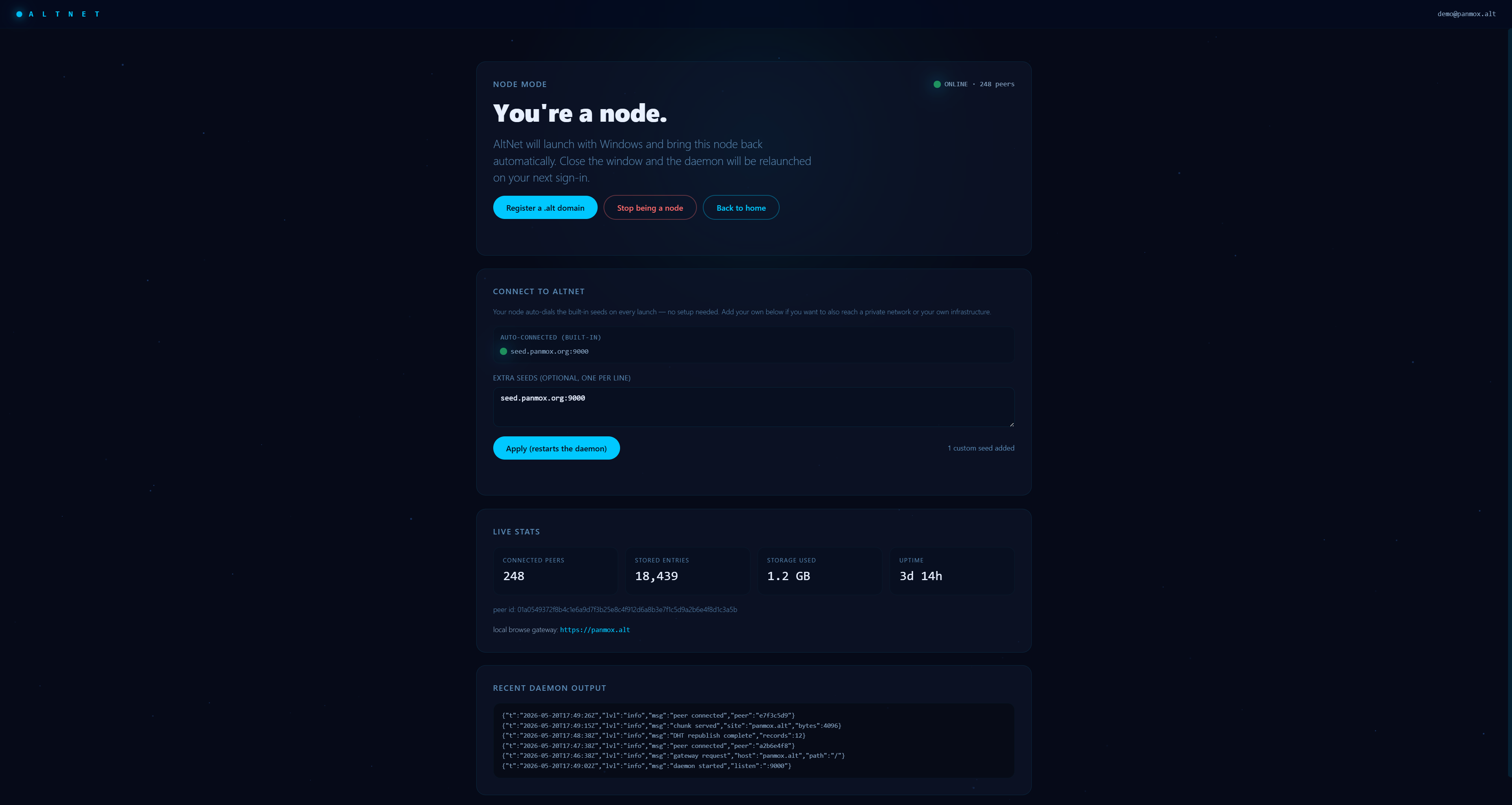
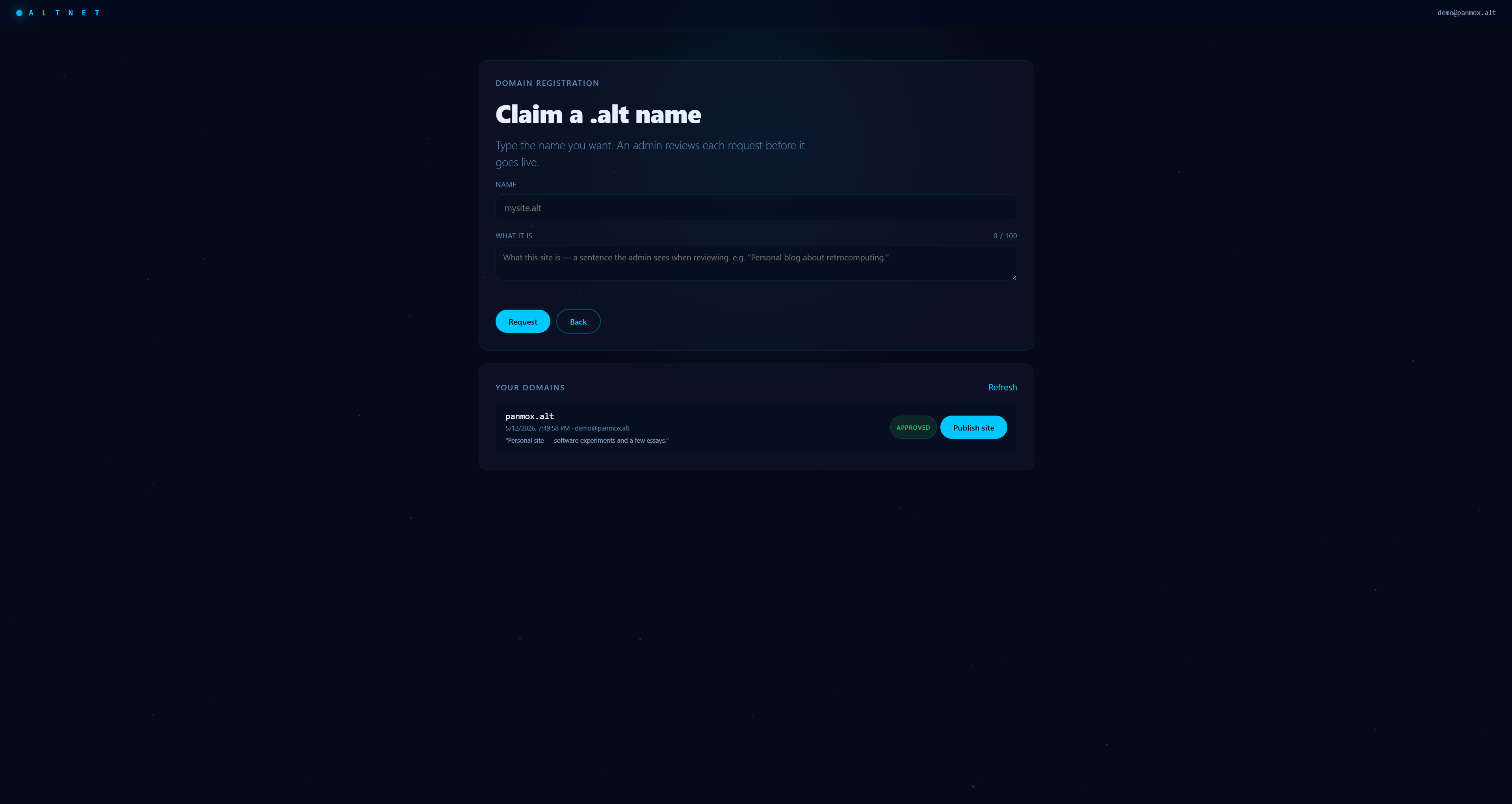
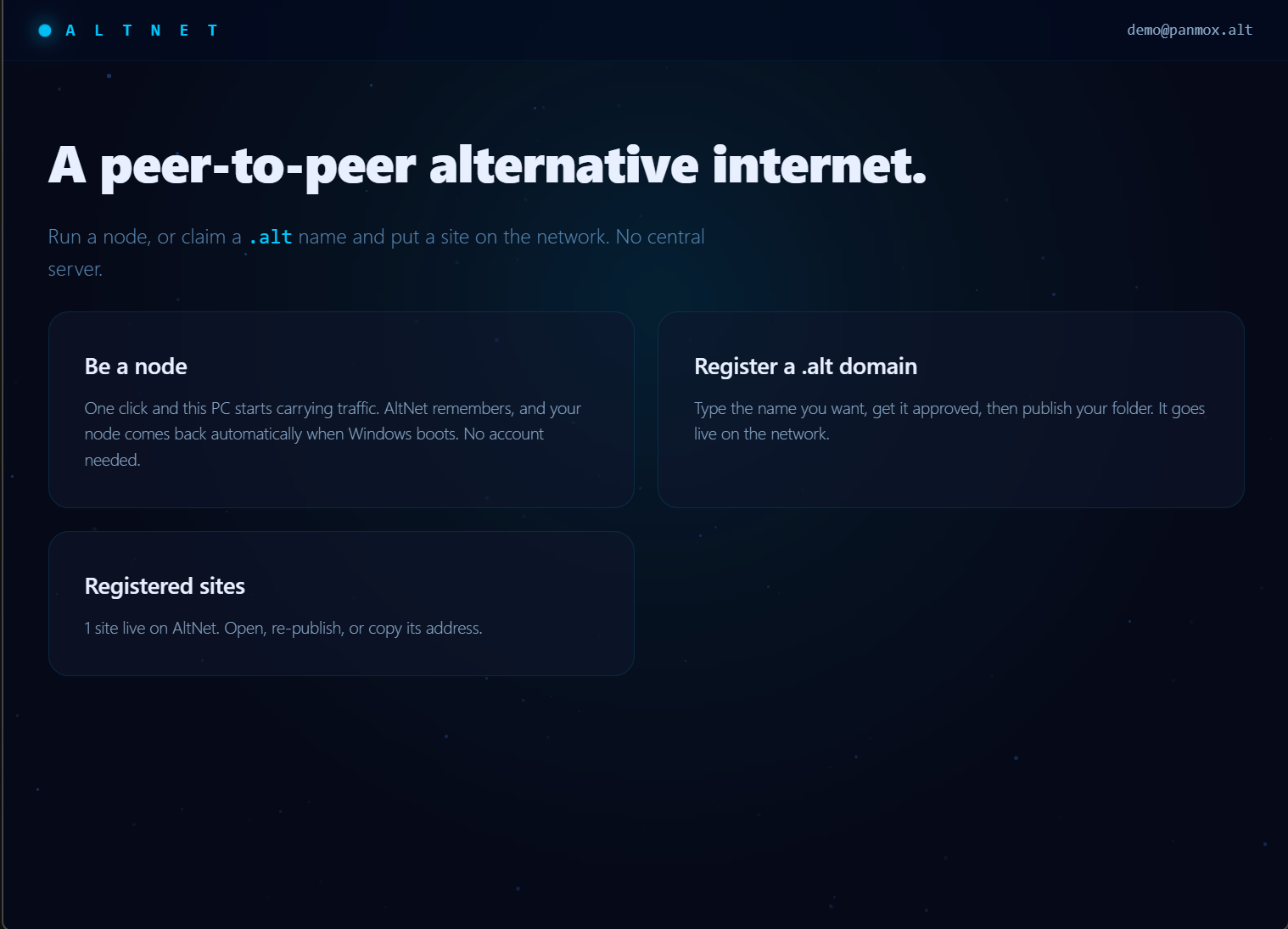
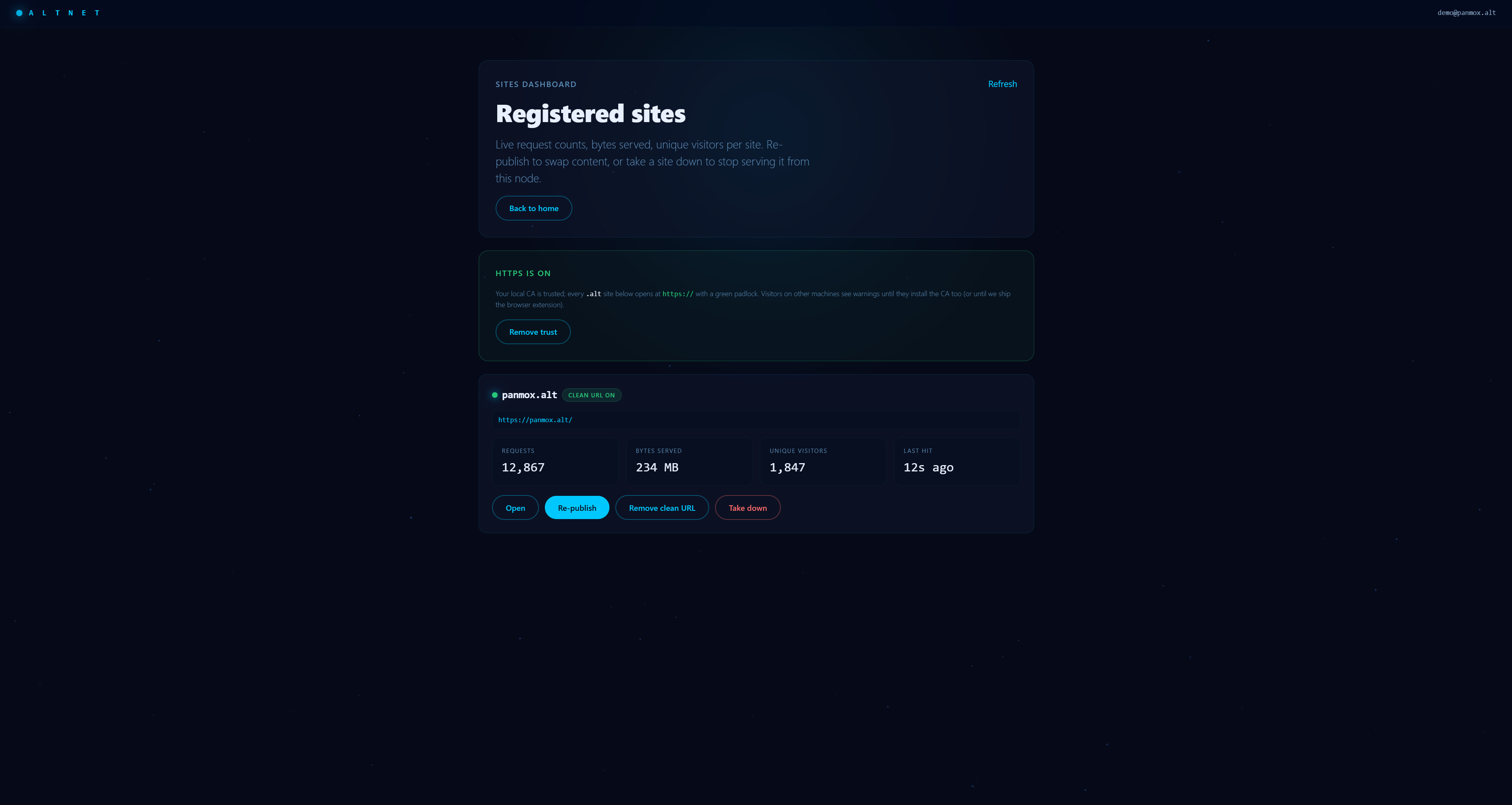
The desktop client for AltNet. Run a node. Browse .alt in any browser. Publish your own.
Studio is the desktop application that connects your computer to the AltNet peer-to-peer network. Runs a background node, routes .alt names through any browser, lets you publish your own.
One click starts a background daemon that joins the network and comes back on every login.
Routes name.alt through your local node so any browser can reach it. Windows: NRPT rule. Linux: systemd-resolved drop-in.
Request a .alt name (admin-approved) and publish a site folder. The name is yours after approval.
Approve or decline incoming name requests and take sites down — all from inside the app.
Download the installer and run it. SmartScreen may warn about an unrecognized app — click More info → Run anyway.
Open AltNet Studio and click Be a node. A UAC prompt asks to install the .alt NRPT rule — accept it. Closing the window hides the app; the node keeps running.
Install it from your Downloads folder:
Then launch AltNet Studio from your apps menu — it’ll ask for your password since it needs root for port 80, .alt DNS, and its certificate.
.alt sites. An admin-approved account is required to publish.